
 Design Studio
Design once.
Personalize every badge.
Create branded badges and tickets on any canvas, bind attendee data to your design, and generate personalized credentials for your entire event.

 How it works
From design to personalized credentials
Set your canvas, connect attendee data, and generate every badge or ticket from one design.
- Set the canvas
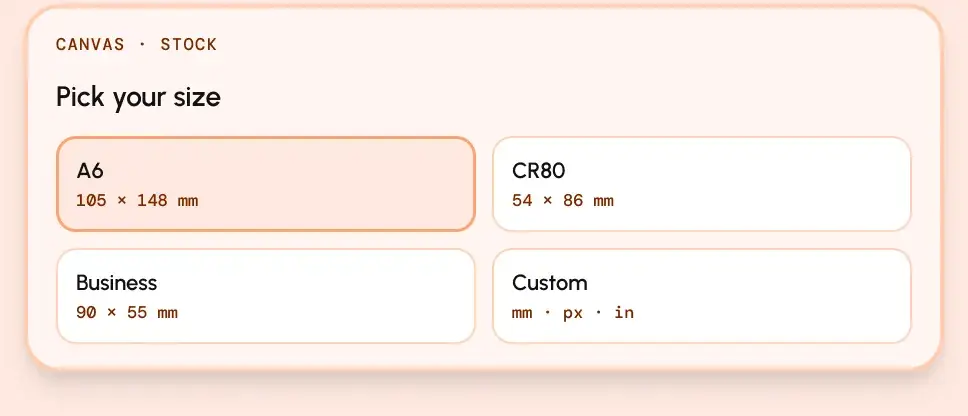
Start at the size you actually print
Choose a standard size or define your own dimensions, then upload your existing artwork and build on top of it.
- Place & bind
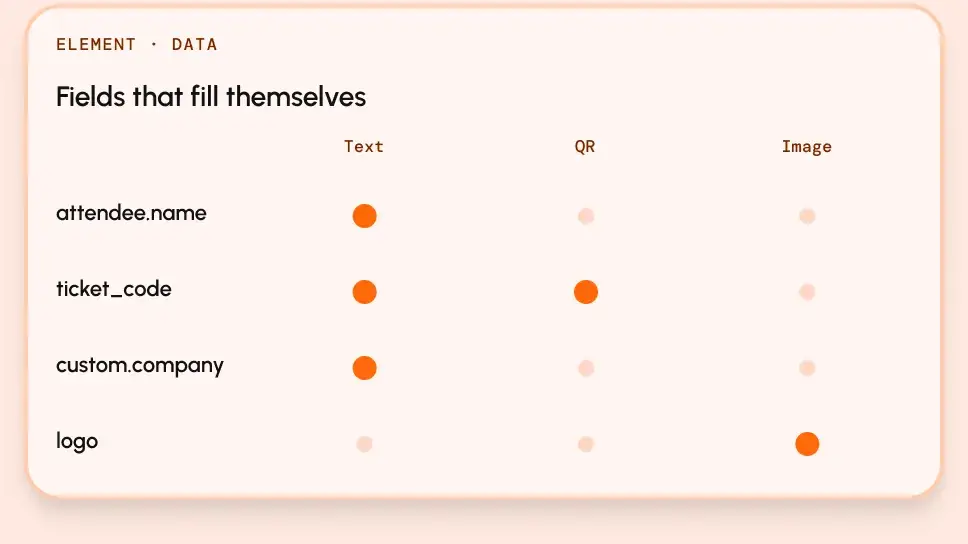
Drop in the fields that change per person
Place text, images, and QR codes where you want them, then bind each element to attendee or custom data so every credential fills automatically.
- Generate
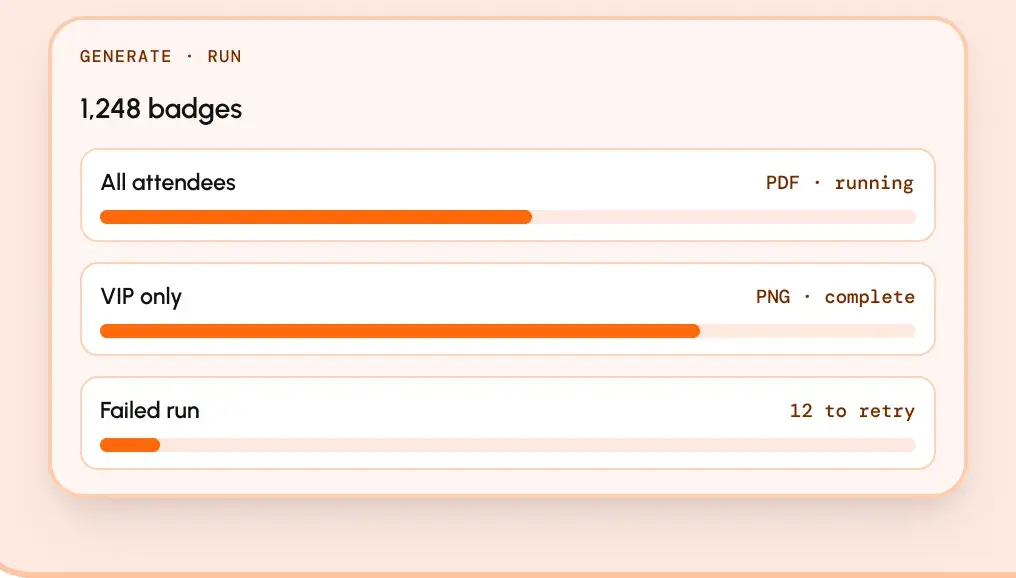
Generate every credential from one design
Generate badges or tickets for everyone, filter by ticket type, and export the result as PDF or PNG.


 What you get
Credentials that look good and stay accurate
Create a consistent visual system while letting attendee data populate the details that change from person to person.

Any size you print
Start with common badge formats or create custom dimensions in mm, px, or inches.

Your own artwork
Upload your background and design over it instead of rebuilding your existing creative.

Data-bound fields
Automatically populate names, ticket types, codes, company details, and custom fields.

Printed walk-in tickets
Use the same editor to create credentials for attendees registered at the door.

Bulk generation
Generate the full attendee list in one run or filter by ticket type.

Contrast checking
Catch text that becomes difficult to read against the artwork before you generate.
For events that need branded credentials
From badges and tickets to other personalized event materials, Design Studio keeps every credential consistent and ready to distribute.
Ready to design a badge worth wearing?
Set your canvas, connect your attendee data, and generate personalized credentials for the whole event.
Explore other features

Check-In & ScanPoint
On-site check-in that keeps working offline.
Registration & Ticketing
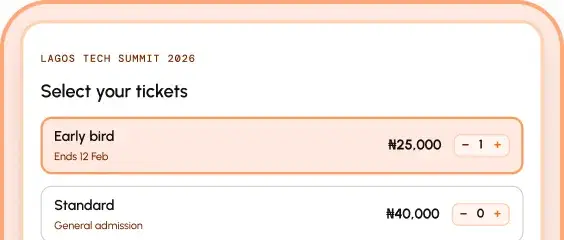
Ticket types, checkout, and delivery.
Exhibitors & Leads
Booths, exhibitor portals, and lead capture.
Speakers & Sessions
Programme, tracks, and public schedule.


