
 Speakers & Sessions
Build the programme.
Keep it current
Invite speakers to manage their own profiles, organize sessions across multiple tracks, and publish a schedule attendees can follow as your event takes shape.

 How it works
Build the programme without the spreadsheet chaos
Invite speakers, organize sessions across tracks, and publish changes without rebuilding the programme from scratch.
- Invite
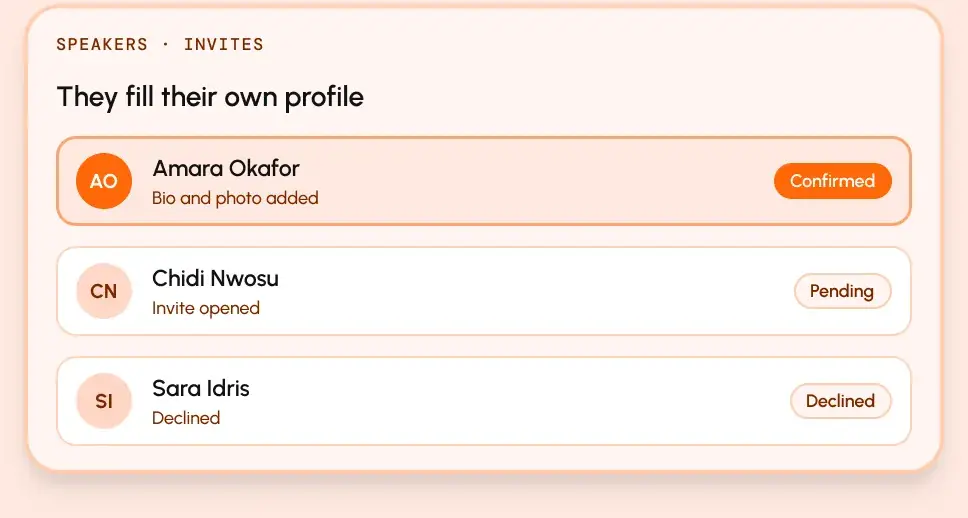
Let speakers complete their own profiles
Send an invitation, let speakers accept or decline, and have them add their own bio, photo, and links.
- Schedule
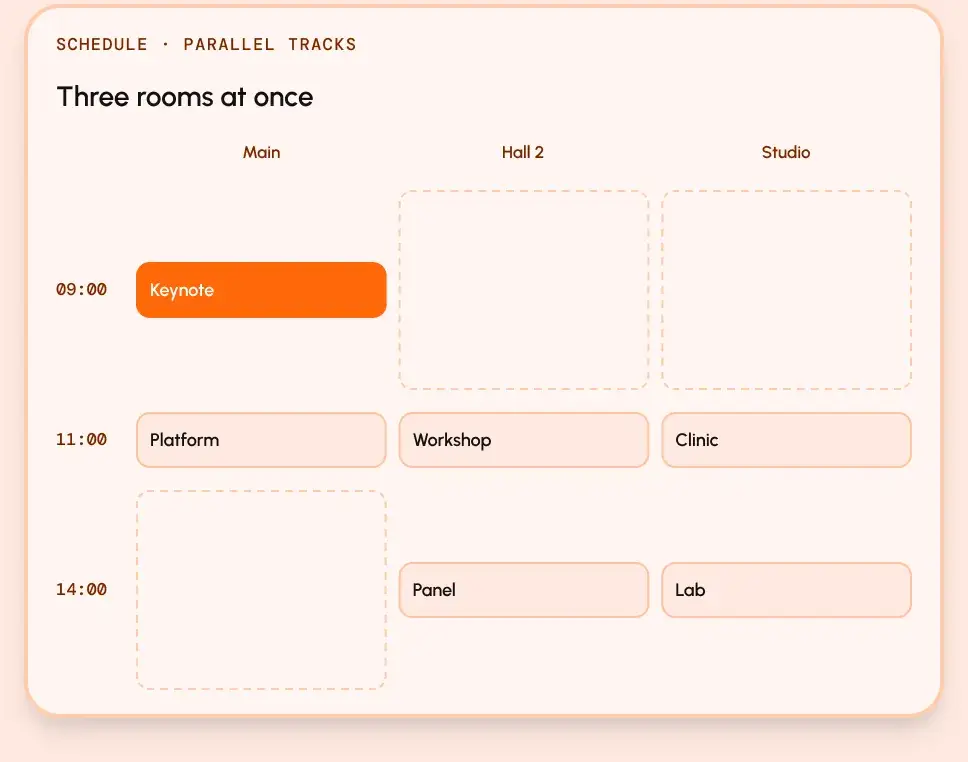
Build a programme that works across every track
Create tracks, schedule sessions, assign speakers, and manage multiple rooms without losing control of the programme.
- Publish
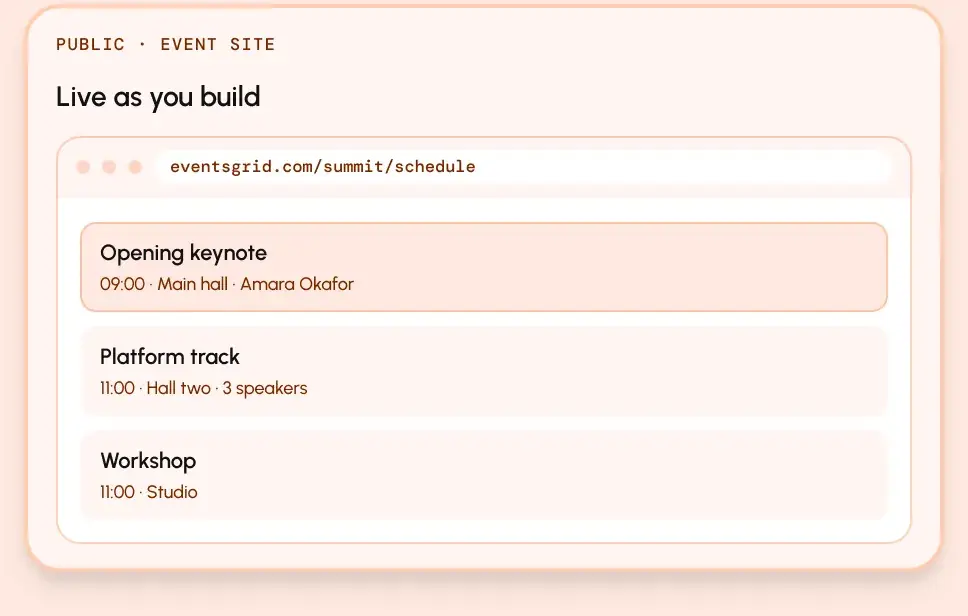
Give attendees a schedule they can actually use
Publish sessions and speaker pages as they are ready, so attendees can browse the programme by day and track.


 What you get
A programme attendees can actually follow
Keep speakers, sessions, tracks, and public schedule pages connected from one place.

Speaker invitations
Invite speakers to accept, decline, and complete their own profiles.

Speaker categories
Organize keynotes, panellists, workshop leaders, and other speaker types your way.

Parallel tracks
Run multiple rooms and session tracks without losing control of the schedule.

Publish and cancel
Update the programme late without losing the record of what changed.

Public session pages
Give every session and speaker a shareable page with the information attendees need.

Schedule by day and track
Help attendees find the right session at the right time and place.
Built for events with speakers and sessions
Whether you’re running a corporate summit or a public-sector conference, keep your programme organized from speaker invite to attendee schedule.
Ready to build your programme?
Invite your speakers, organize your tracks, and publish a schedule your attendees can follow.
Explore other features

Exhibitors & Leads
Booths, exhibitor portals, and lead capture.
Registration & Ticketing
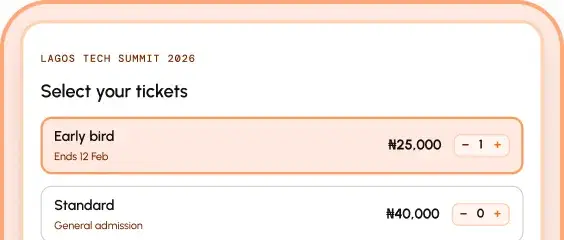
Ticket types, checkout, and delivery.

Check-In & ScanPoint
On-site check-in that keeps working offline.
Attendee Access & Verification
Decide who gets in before they arrive.


